

EVENTS
|
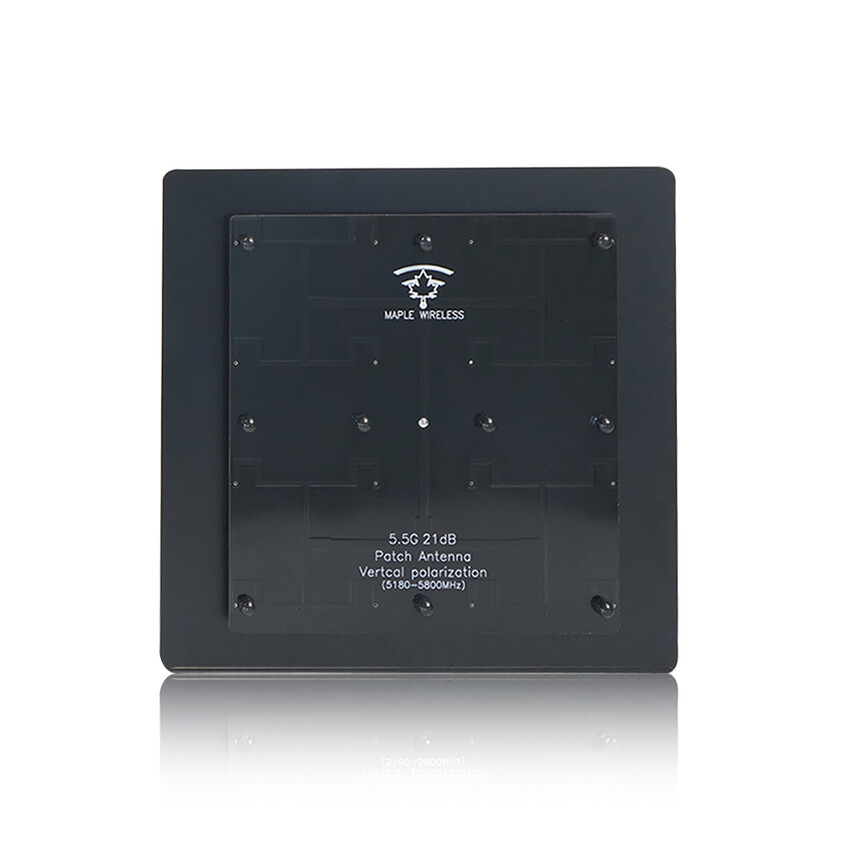
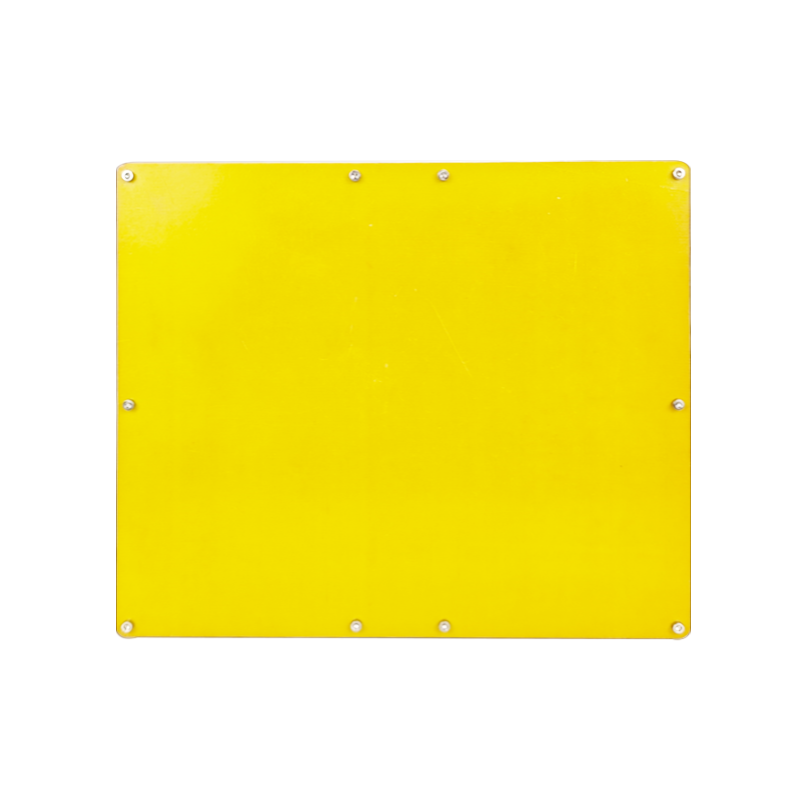
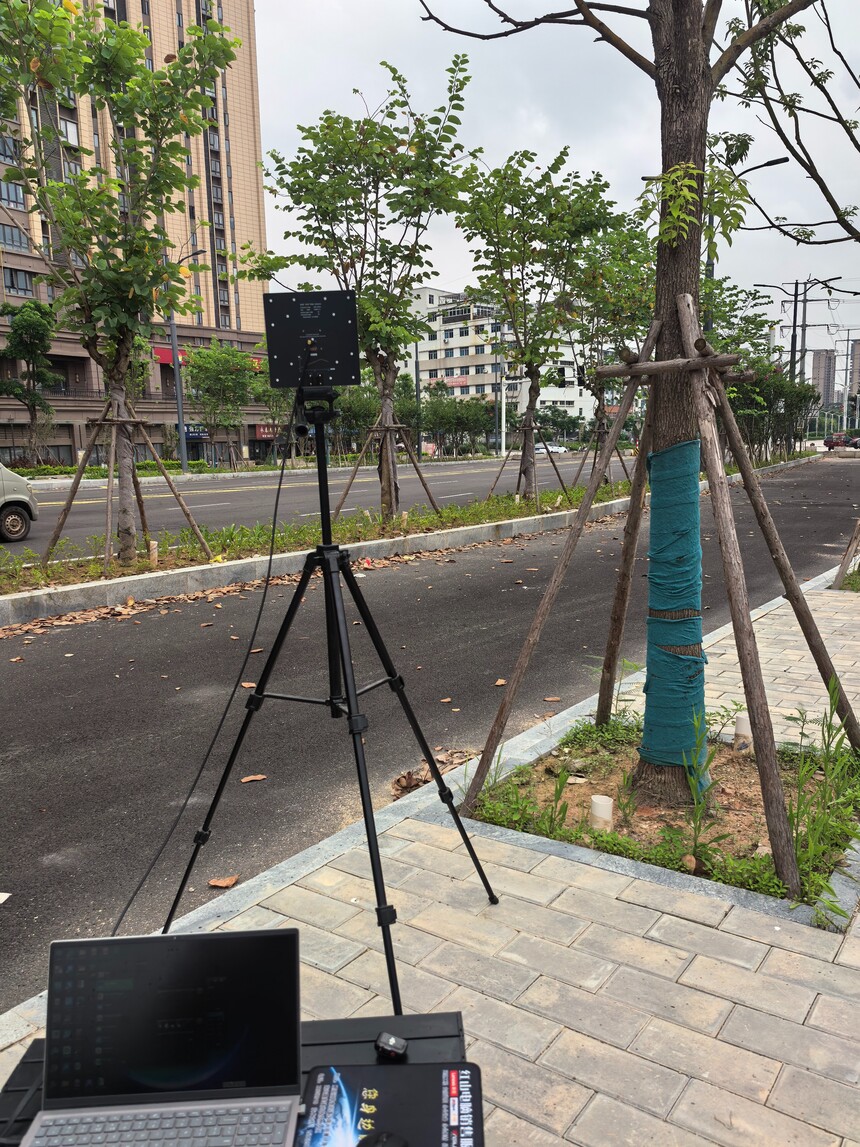
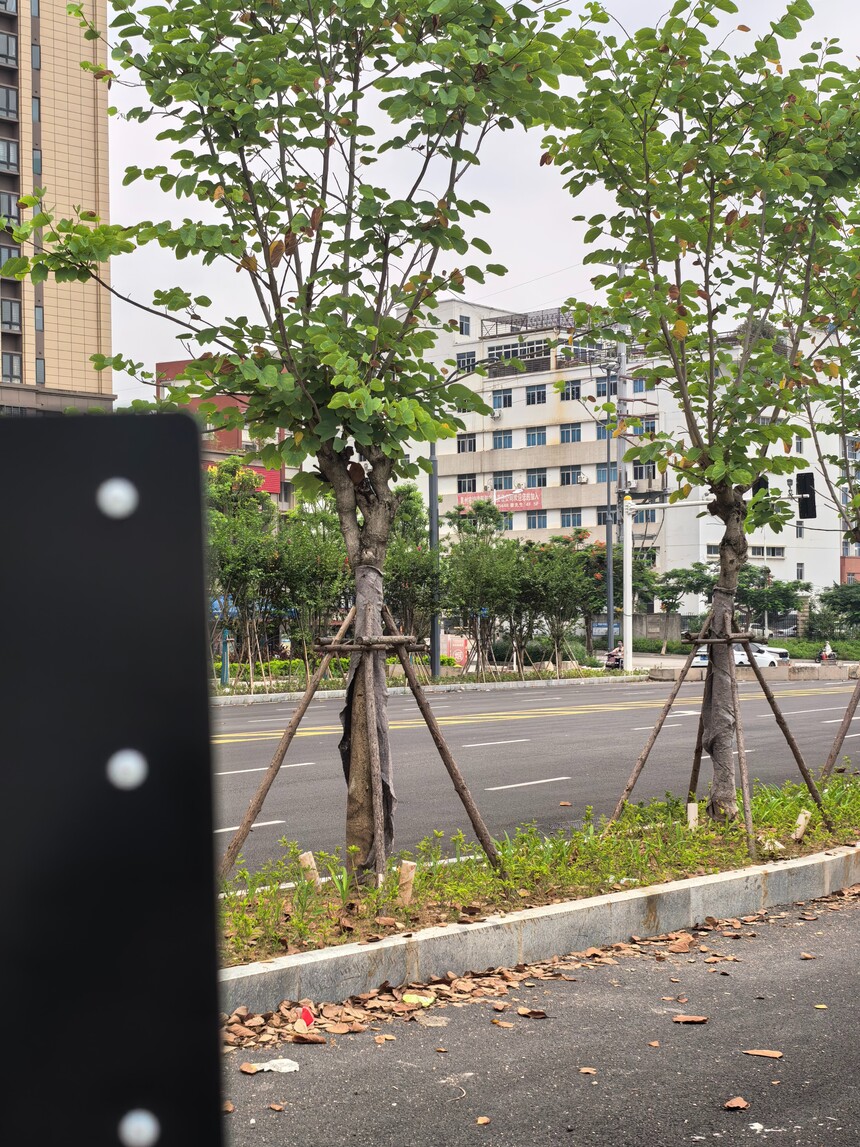
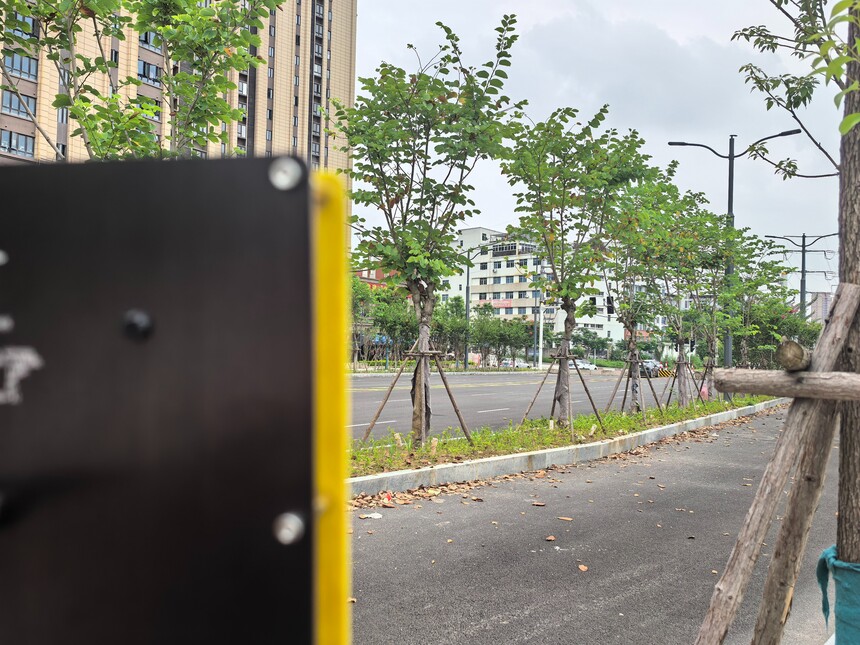
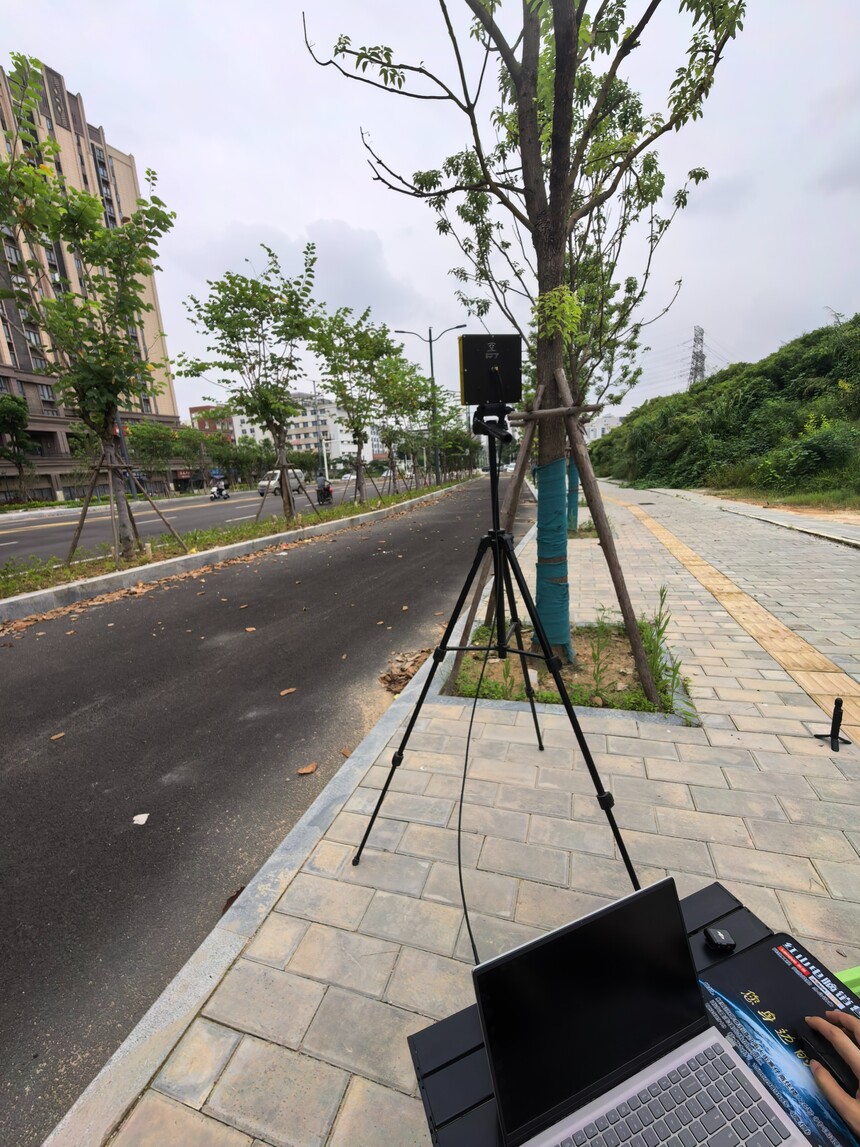
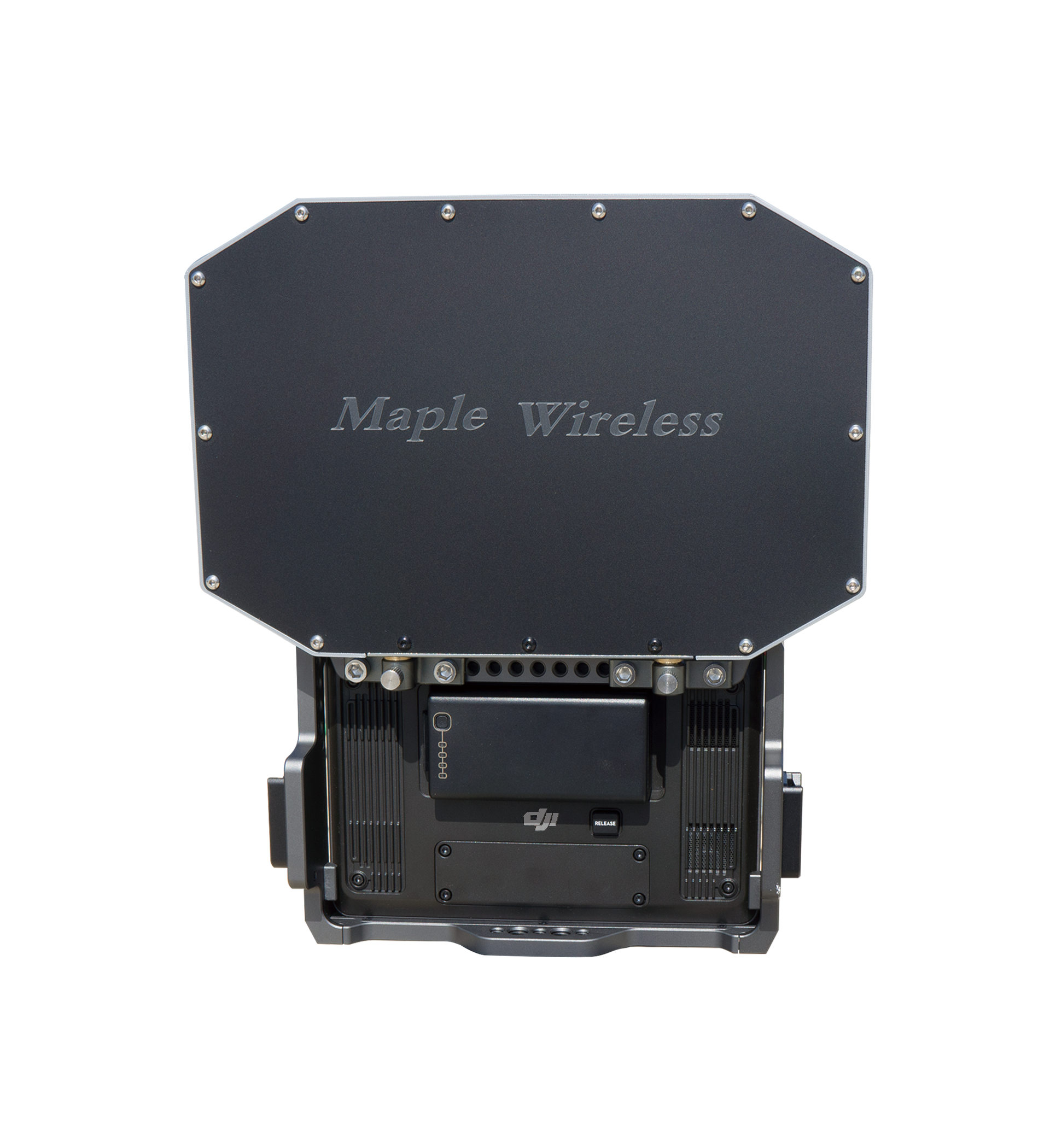
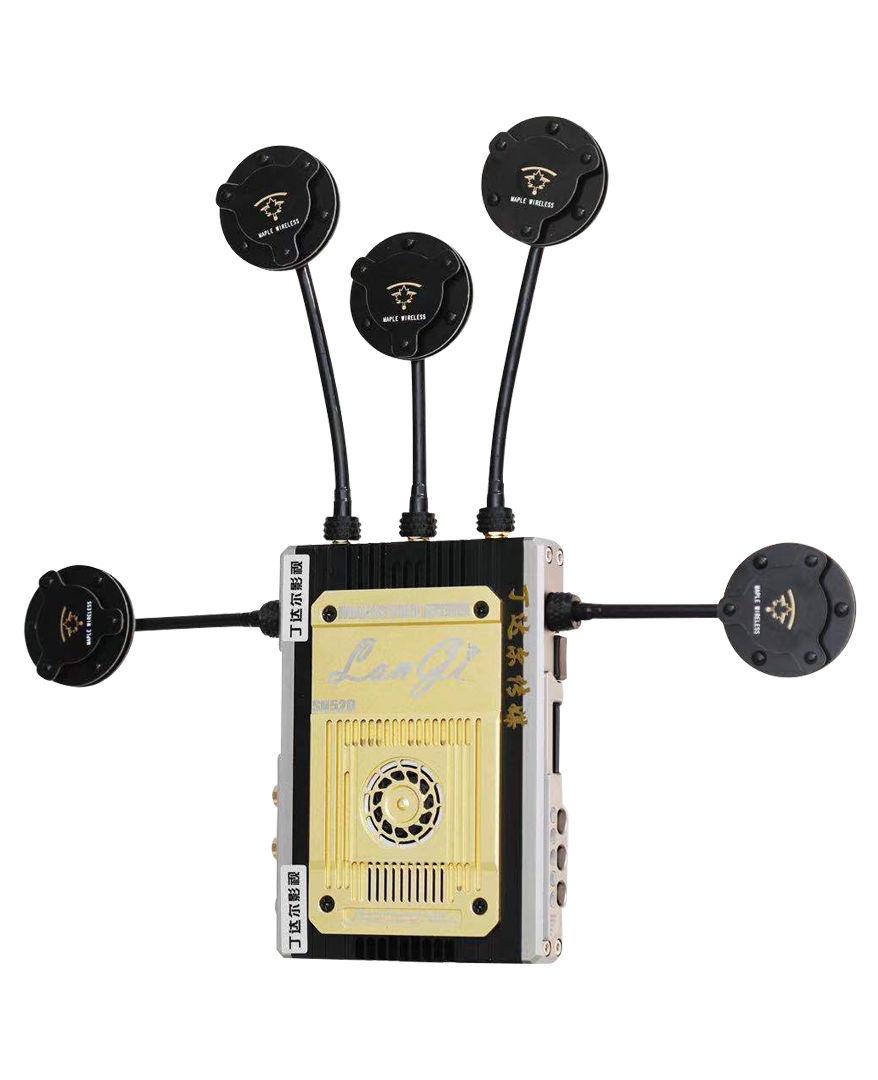
How to enhance WIFI signal reception over long distances – the use of high-gain directional planar antennasTime:2026-08-03 How to enhance WIFI signal reception over long distances – the use of high-gain directional planar antennas This article relies on the setup of WIFI signals in indoor environments as well as actual tests in complex outdoor scenarios, thereby replicating with high accuracy the effects of improving WIFI signals under real-world conditions. Two products were used in this study: the 4.85–6.3G antenna (shown in Figure 1) and the 2.4G antenna (shown in Figure 2), to determine whether the same testing methods can enhance WIFI signals in both the 2.4G and 5.8G frequency bands. Image1 Image2 First, we move on to testing in the 5.8G frequency band; to do this, we set up a outdoor scenario. We choose a closed road, one that does not interfere with nearby facilities. The outdoor tests are conducted on the sidewalk, as shown in Figure 3. As can be seen from the image, it isn’t a completely open area – selecting an environment with obstacles and at a certain distance helps to better validate the experiments we are conducting. Figure 4 shows the actual outdoor location along with the corresponding position indoors.
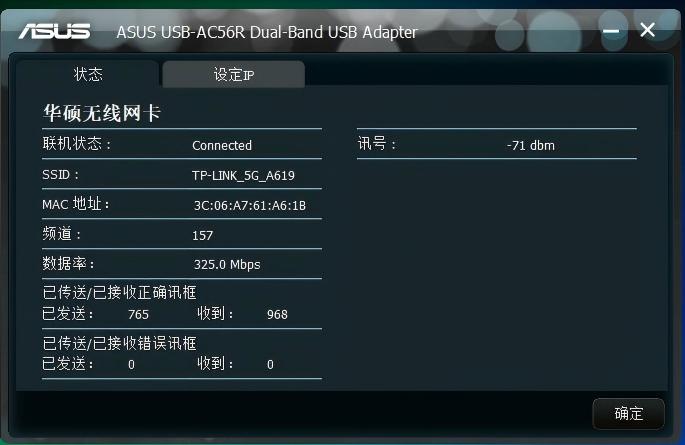
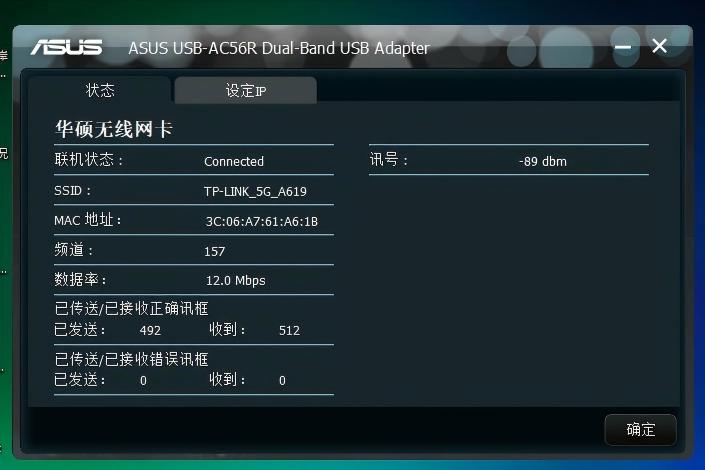
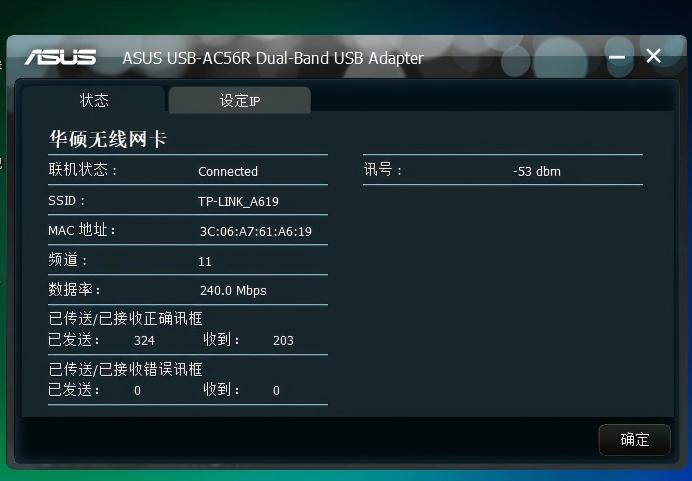
First, we provide the readers with some data from a test conducted on the 5.8G frequency band for WIFI purposes. We used the signal detection tool that is built into the computer system. As can be seen in Figure 5, these are the specific parameters for the 5.8G frequency band without any modifications to the antenna. There are several values that deserve attention: the current signal strength is -89dB, while the number of correctly transmitted/received frames is 492 for transmission and 512 for reception. These are the WIFI signals that can be detected using computer tools in the 5.8G WIFI band. Now, by using a directional tablet antenna, we can see how much the signal strength improves. (Before modifying the antenna, we used the ASUS AC56R driver to connect the wireless network card; one end of this card was connected to the laptop, and after modifying the interface, the other end was connected to the antenna.) Next, we simply need to connect the lossless feed line located in the antenna as shown in Figure 3 to the other port of the network card. After waiting about 1–2 seconds, we can see from Figure 6 that there has been a significant change in the values; just by connecting the directional planar antenna, the values increase substantially. The signal after the modification is -71, with 765 frames sent and 968 frames received correctly. Image5 Image6 If 1-2 serves to enhance performance, then 0-1 can be considered as a real help in difficult situations. When testing the 2.4G WIFI frequency band, it was found that without an antenna connected, the 2.4G WIFI signal could not be detected; and with no changes in the outdoor testing environment or the indoor WIFI setup, the system did not show any actual values. In such cases, we can consider it as having no value at all. Next, we proceed to adjust the 2.4G flat antenna using the same installation procedures as those for the high-gain directional flat antennas in the 4.85-6.3G range, as shown in Figure 6 for the outdoor testing environment and Figure 7 for the indoor signal setup. Image7 Image8 As shown in Figure (9), the signal after modification is -53; the number of correct frames transmitted/received is 324 for transmission and 203 for reception. We can observe the transition from no signal to a received signal, that is, a change from nothing to something.
Image8 Conclusion: Through tests using WIFI signals in two different frequency bands, it was found that the effects of complex environments on the signal quality are always the most significant factor. As mentioned in the article, in outdoor areas the 2.4G frequency band suffers from signal loss due to interference from complex environments; however, by installing high-gain flat WIFI antennas, this problem of signal loss could be resolved. The WIFI signals in the 5.8G frequency band also saw a significant improvement, which confirms that modifying the antennas indeed helps improve WIFI signal quality. |